Lap Counter Web Viewer
Spectate and track your slot car races in real time. No app store downloads or installations required—just open the web viewer, connect, and enjoy the action. Note: Browsers must be Firefox or Safari only.
Launch Web App
Spectate and track your slot car races in real time. No app store downloads or installations required—just open the web viewer, connect, and enjoy the action. Note: Browsers must be Firefox or Safari only.
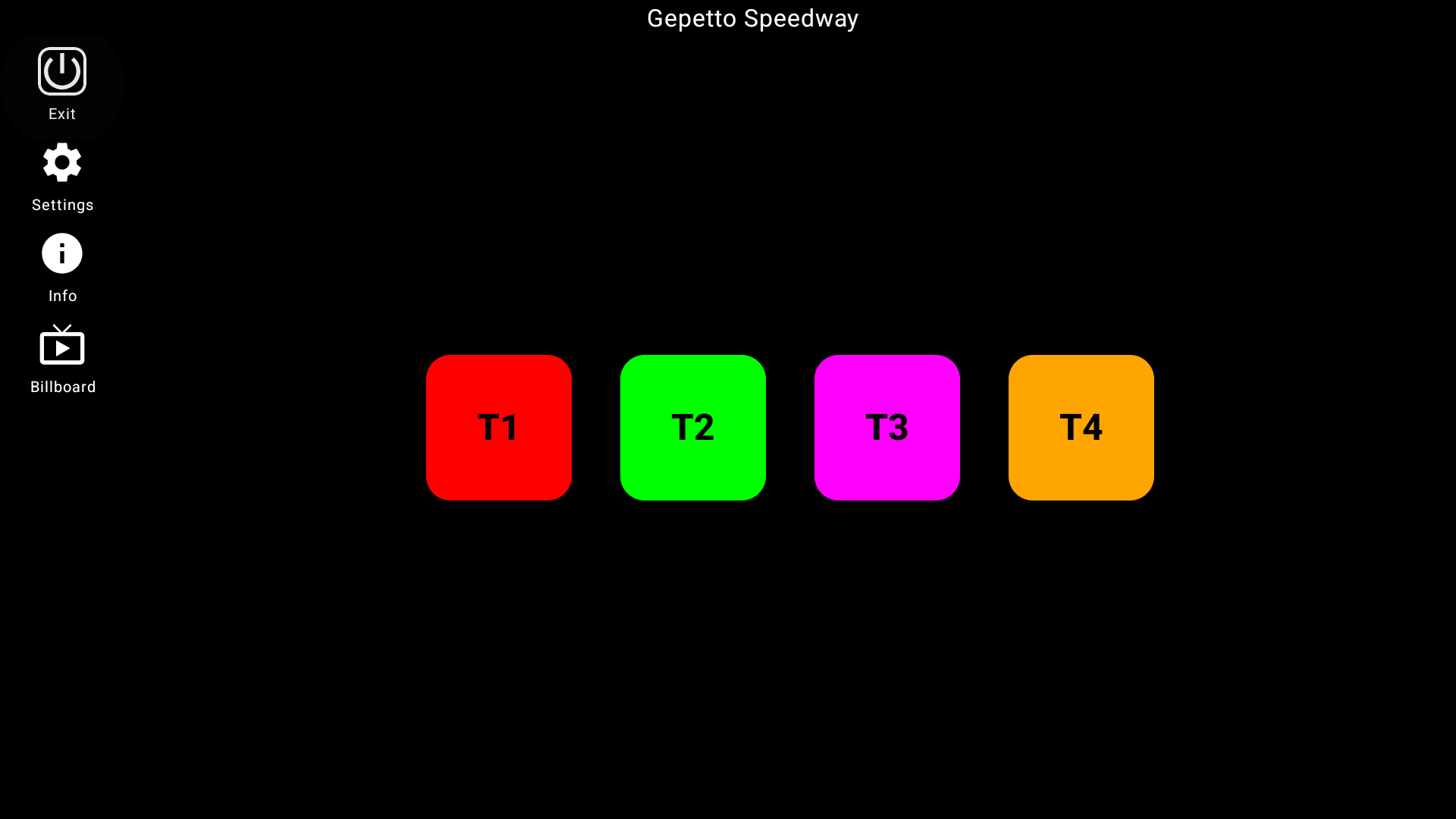
Launch Web AppRun the timing board directly in Firefox or Safari. Perfect for smart TVs, tablets, PCs or secondary phones.
Establishes a direct network connection with your camera phone server for zero-latency standings updates.
Connect unlimited spectator displays simultaneously so everyone trackside can track current driver statistics.
Adaptable interface built with Compose Multiplatform, showing perfect visuals on small or large screens.
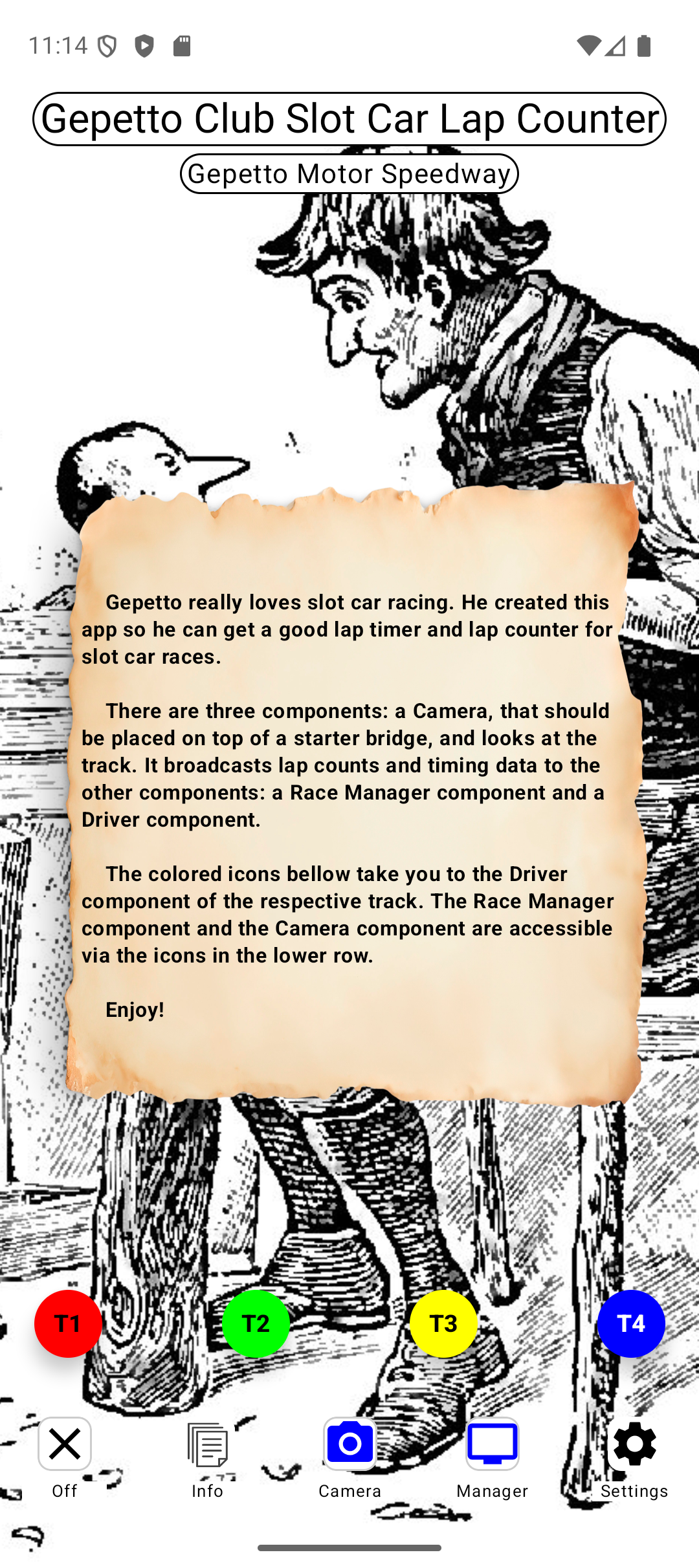
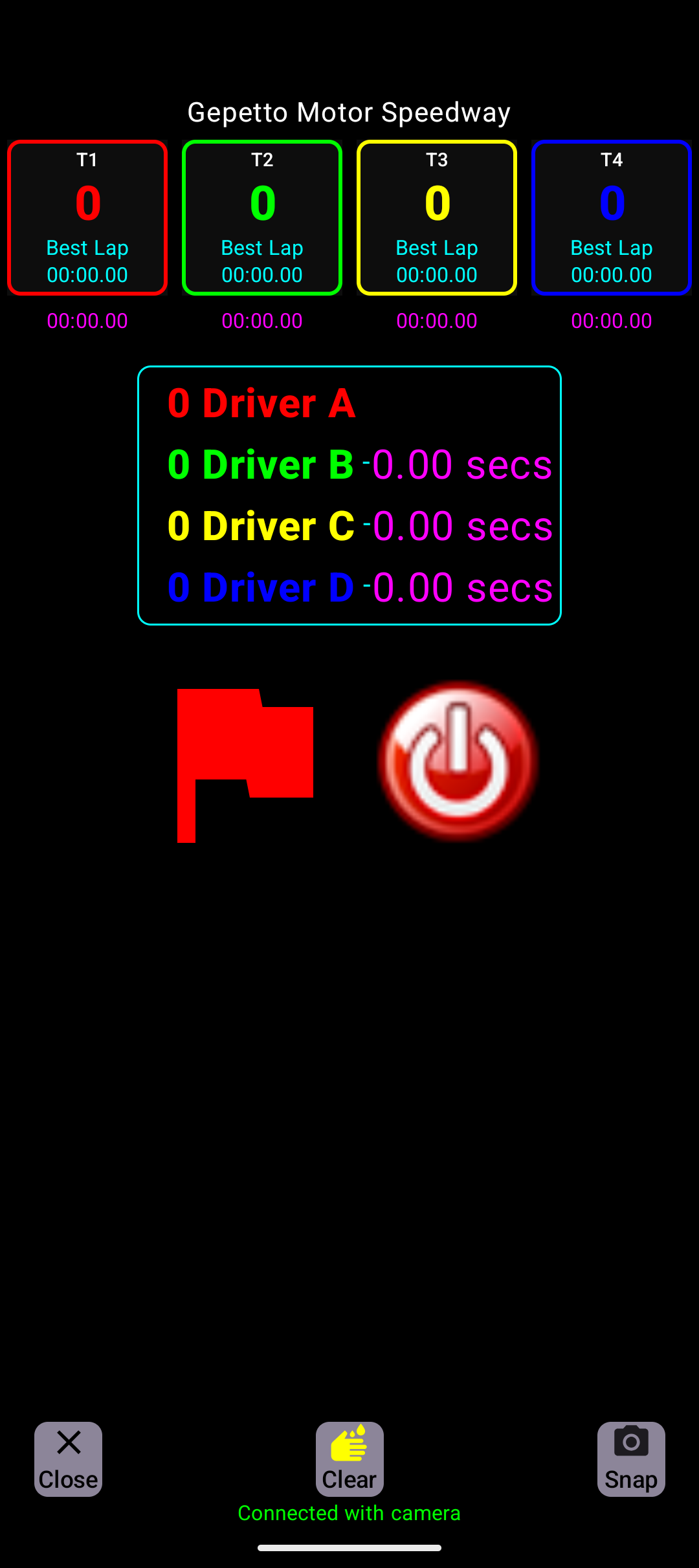
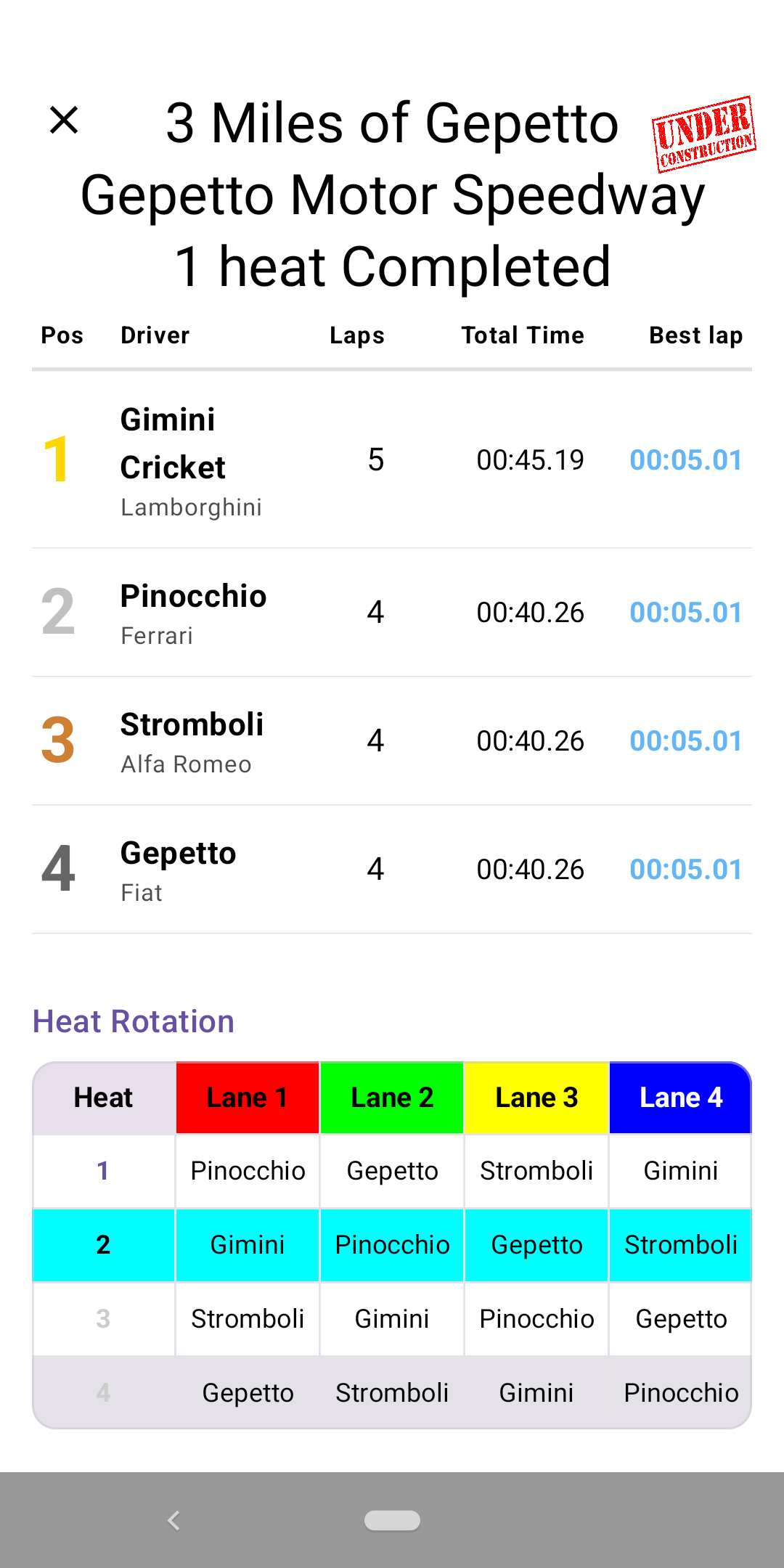
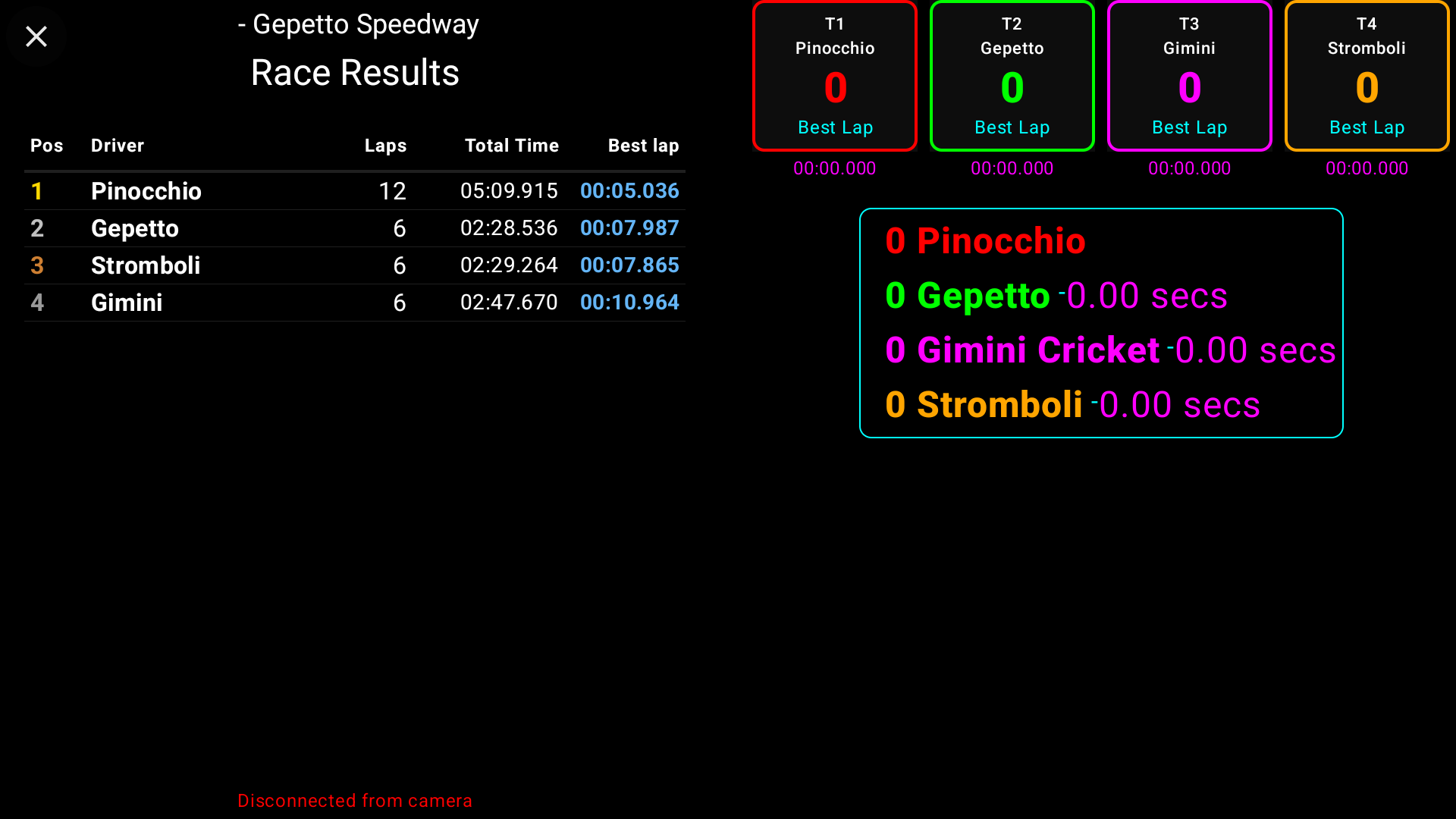
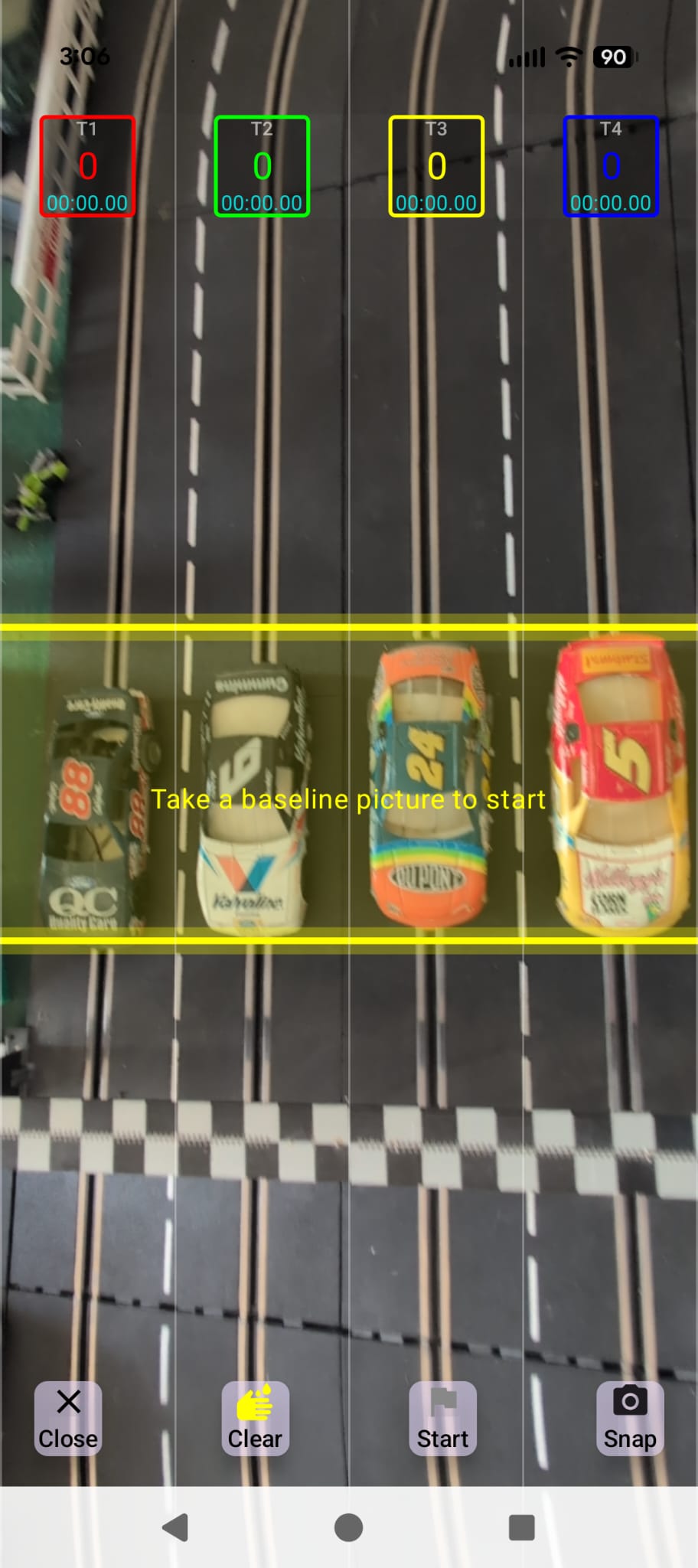
Open the main app on your phone, position the camera over your track, and tap the start flag to activate the timing server.
Navigate to Settings to find the camera phone's Local IP Address. Ensure your WebSocket Port is set to a fixed port (e.g. 8080).
Open the web viewer link, type in the IP address and port, and click Connect. Note: all devices must be on the same local Wi-Fi network.
Browser Requirement: Browsers must be Firefox or Safari only.