Lap Counter Desktop
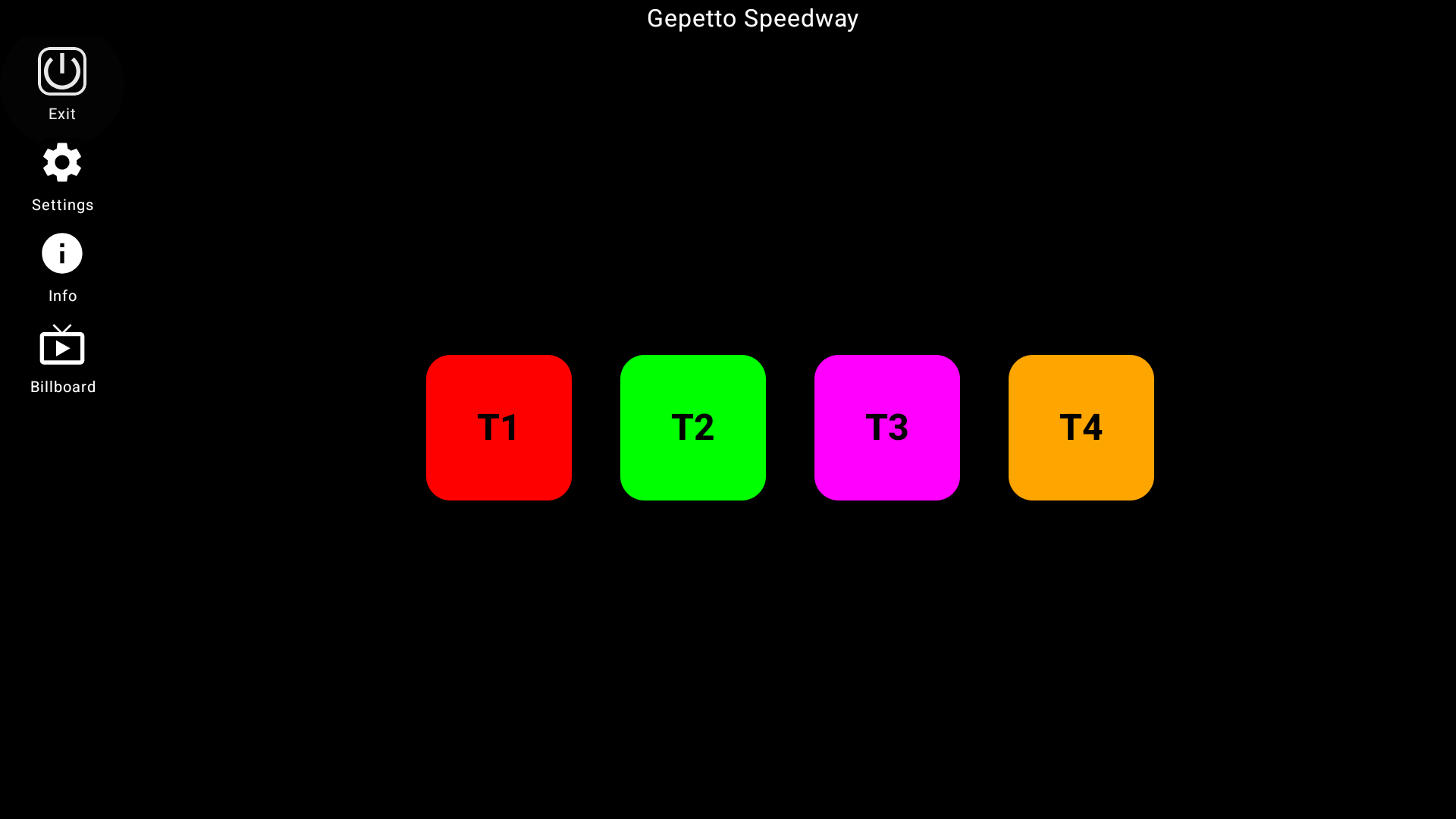
Bring professional race timing and management to the big screen. Download the native desktop application to monitor, manage, and display your races on macOS and Windows.
Bring professional race timing and management to the big screen. Download the native desktop application to monitor, manage, and display your races on macOS and Windows.
Enjoy a high-performance native desktop app built for macOS and Windows with zero lag and instant interface responsiveness.
Perfect for projection screens, Smart TVs, or secondary PC monitors overlooking your slot car layout.
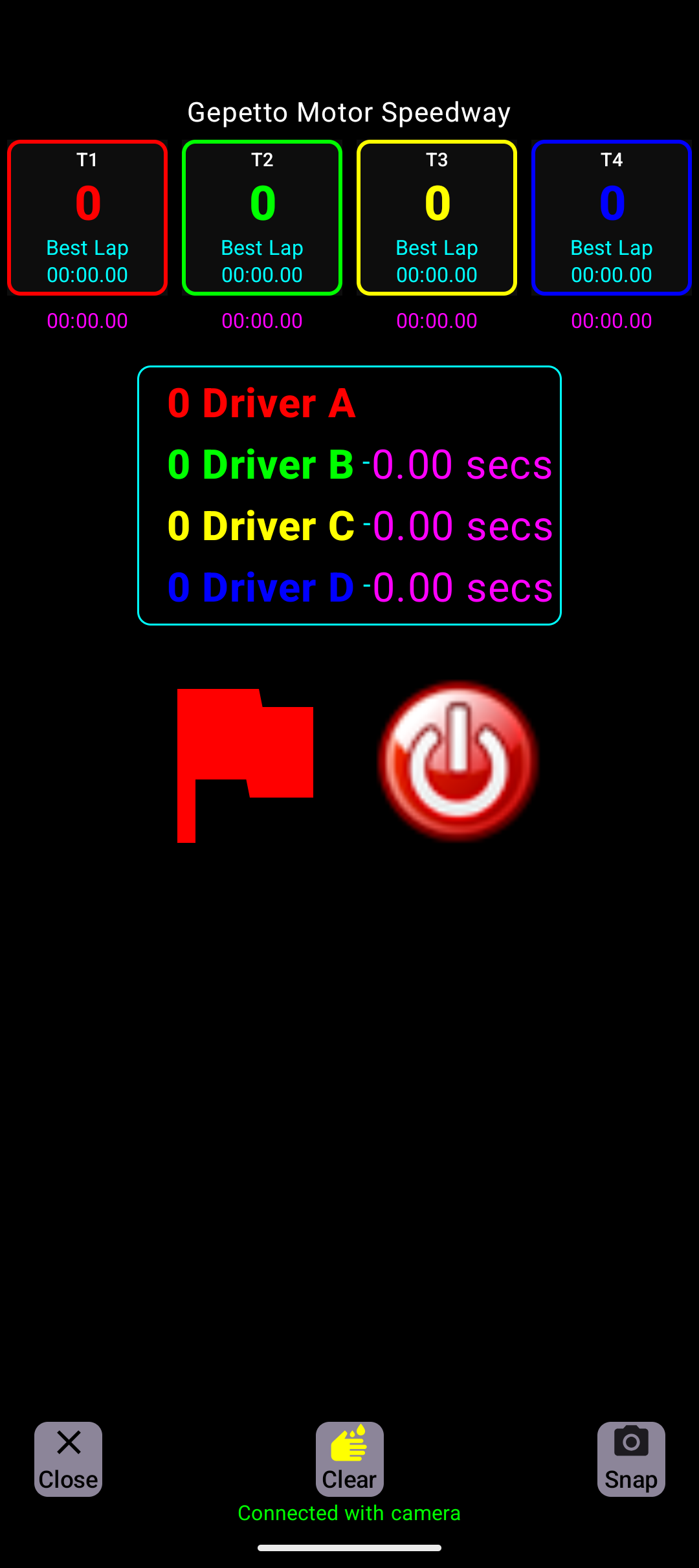
Use a USB camera directly connected to your computer, or connect wirelessly to your camera phone over the local network via WebSockets.
Run long, multi-heat championship sessions without draining your phone's battery. Just plug and race on your computer.
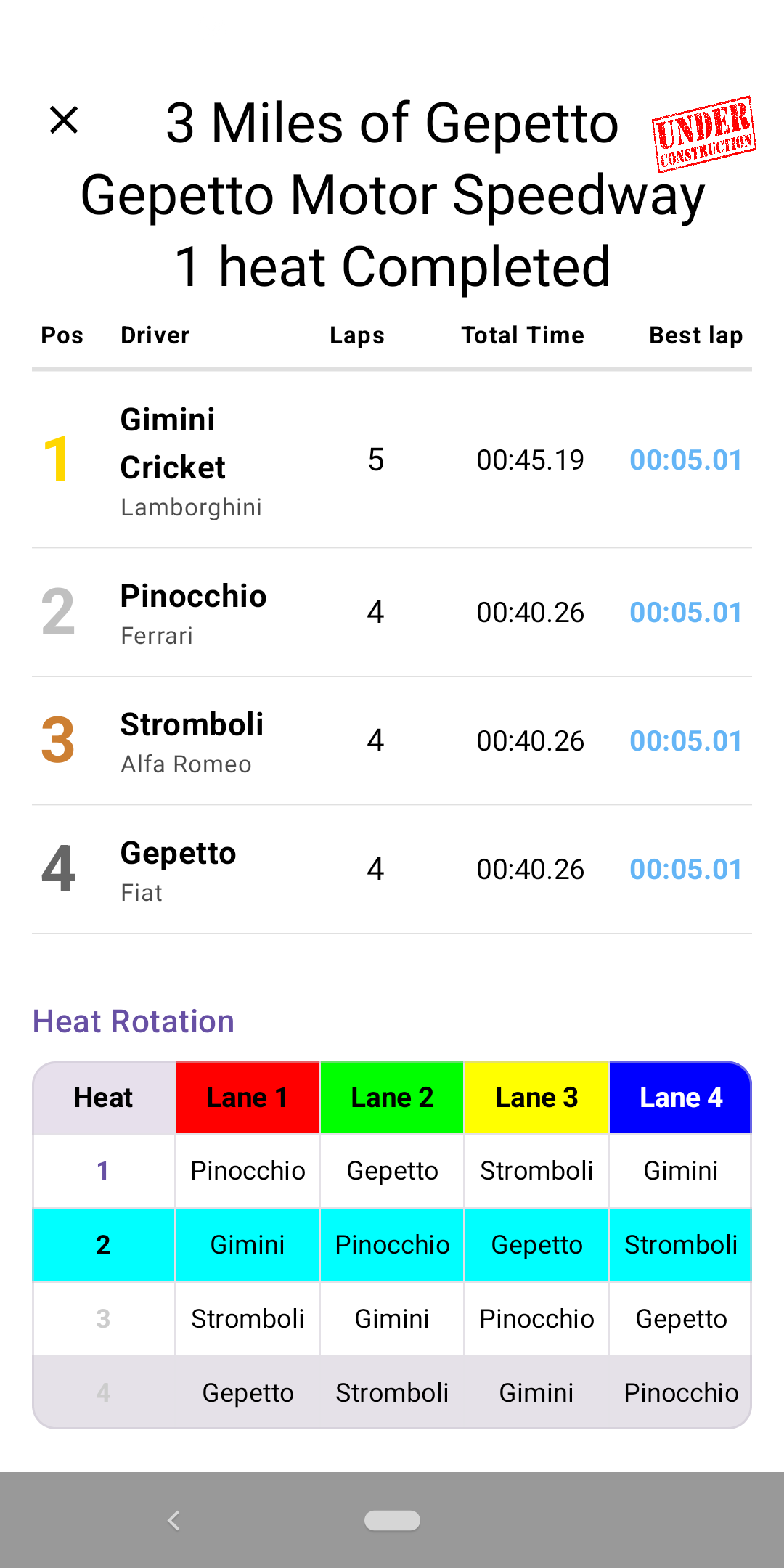
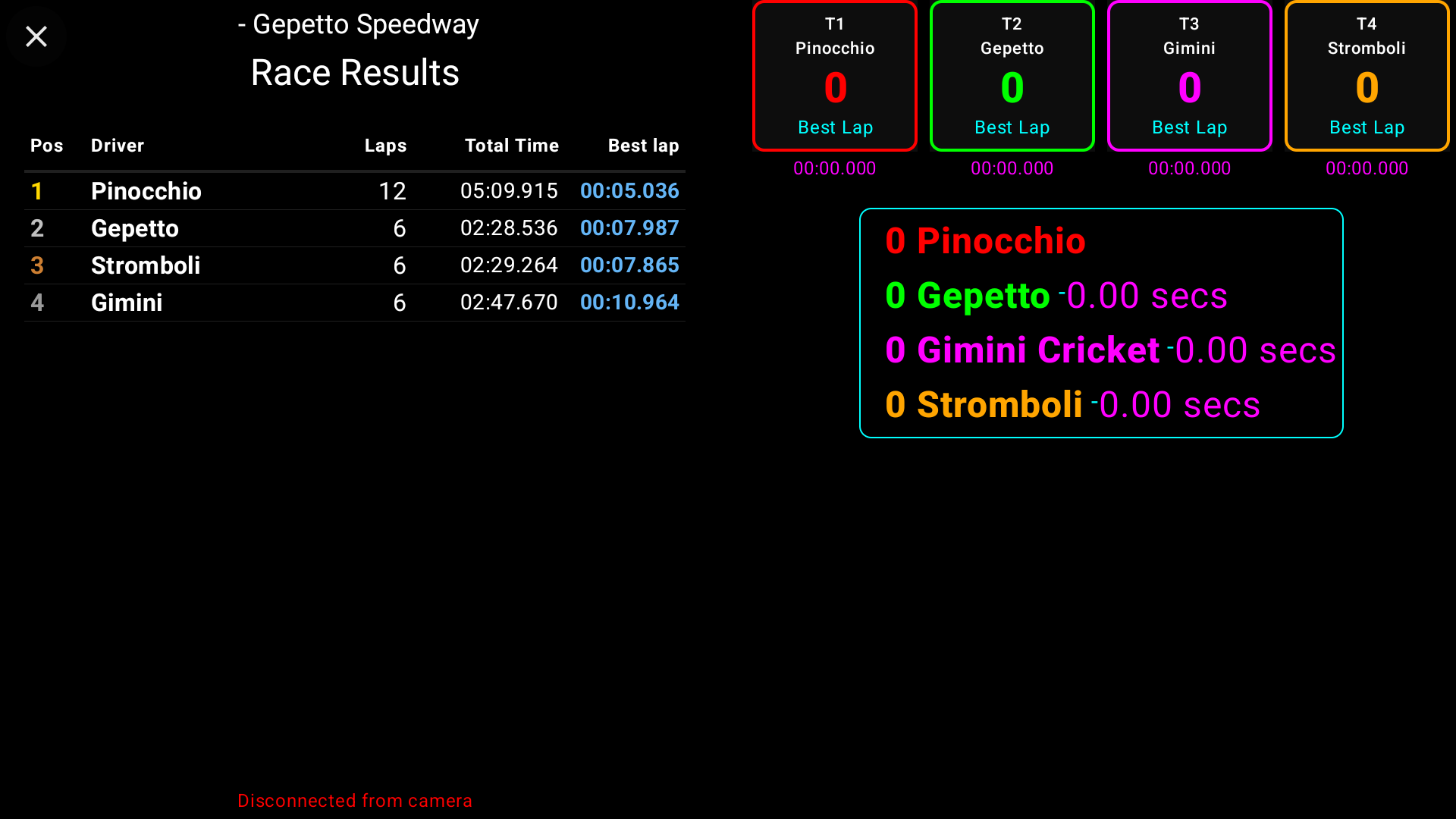
Download the installer for your system above. On macOS, mount the DMG and copy the app. On Windows, run the MSI setup file.
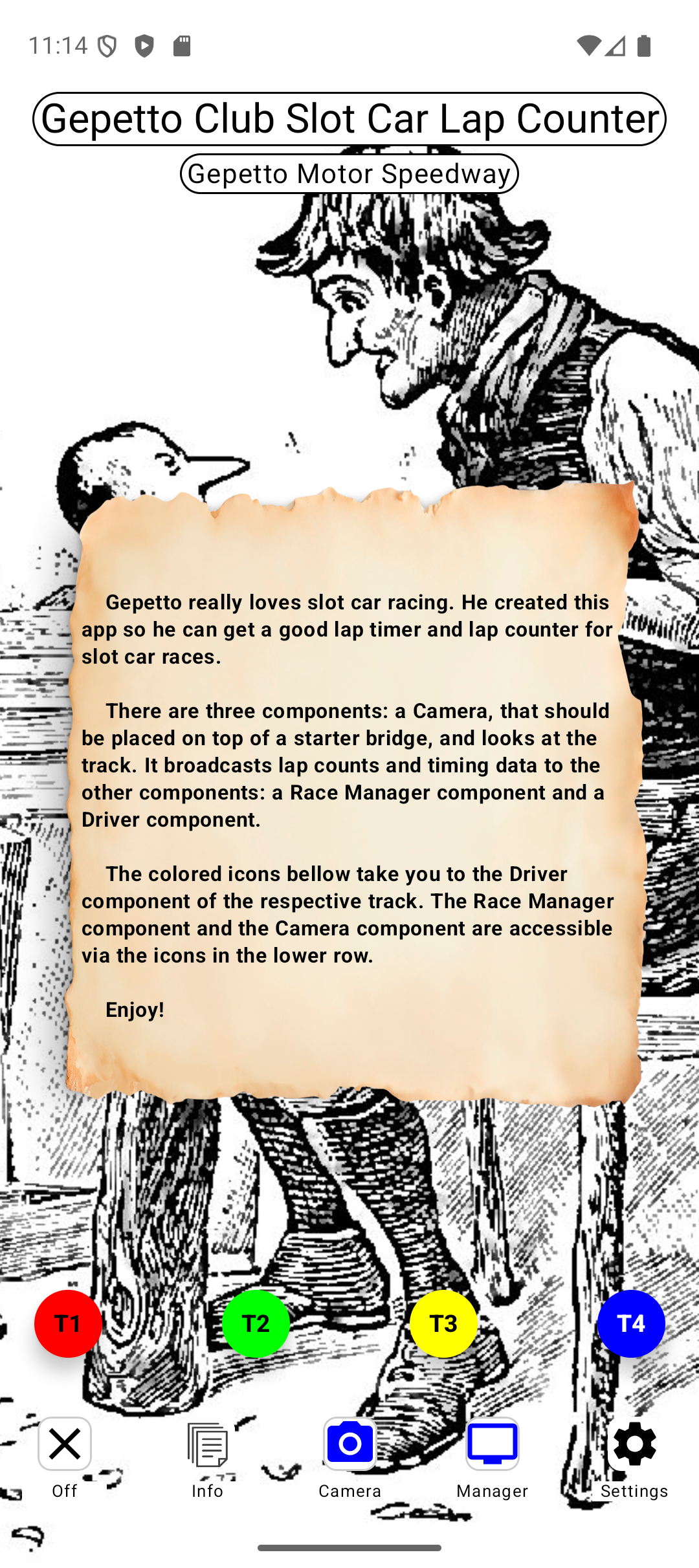
Position a camera over the track. You can either launch the Slot Car Lap Counter on a camera phone to act as a wireless server, or connect a USB camera directly to your computer.
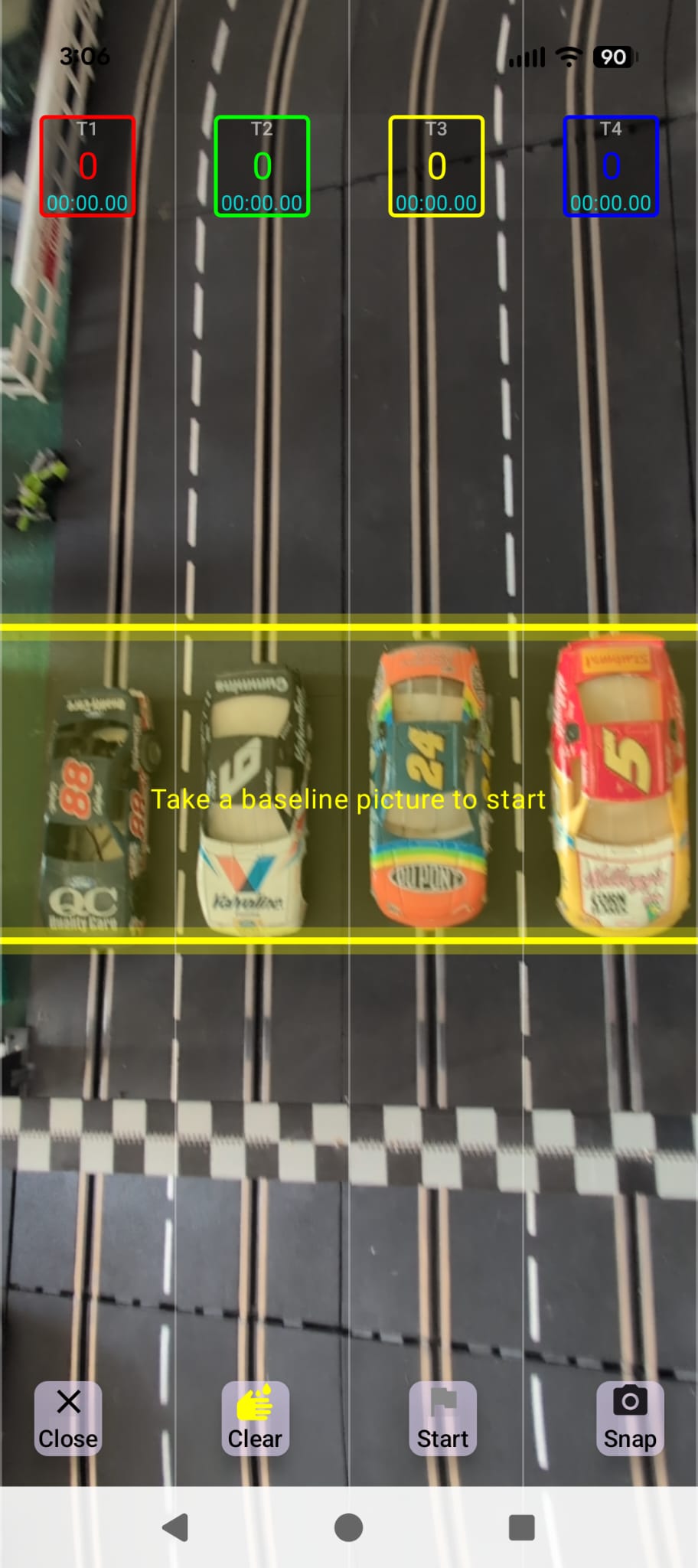
Launch the desktop application. If using a camera phone, it will be automatically discovered on the local Wi-Fi network. If using a USB camera, select it directly in the app settings.